02Made for visual mindsPhotographers, artists, and designers
03Works offlineYour images stay on your computer
04One-time purchaseNo subscription
The idea / 00
Go beyond folders. Follow what you see.
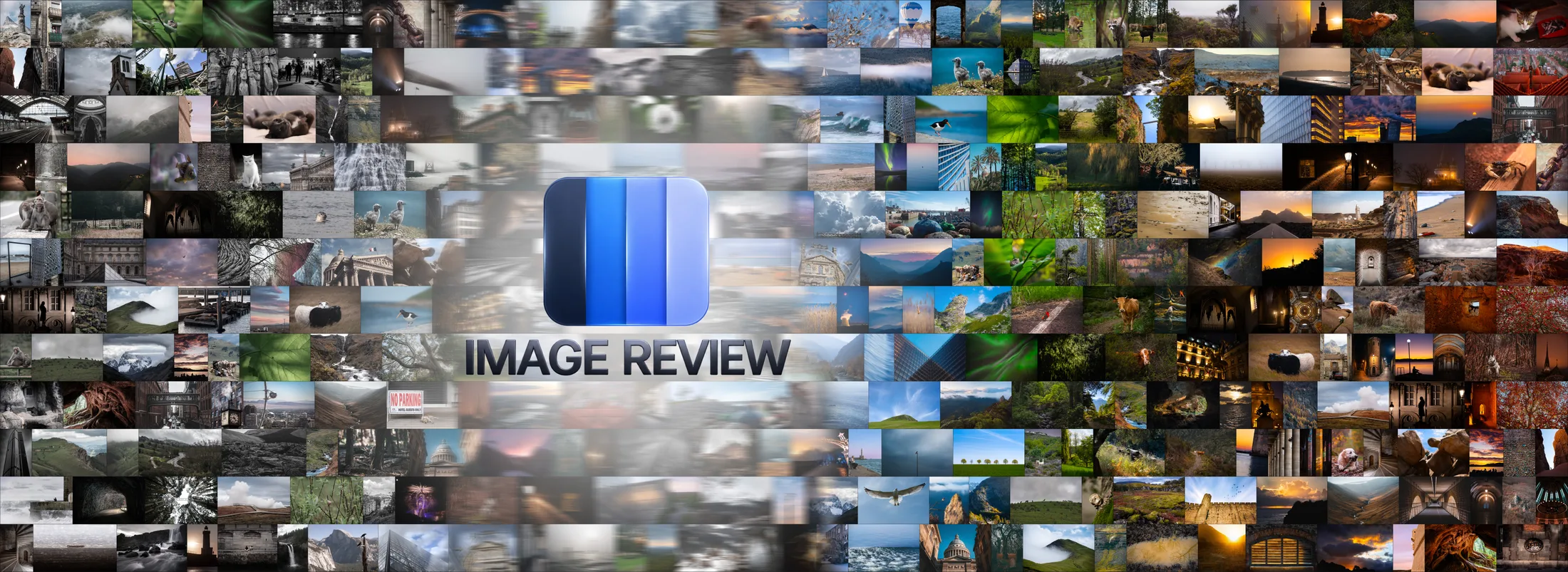
Image Review is an independent desktop application built by a photographer for people who think visually. It helps you explore collections by their visual characteristics, compare images, discover color relationships, and create contact sheets.
Use it to rediscover a photography archive, study artwork, or build visual references from images you already own.
Explore the tools / 01—04
Four ways to see what's already there.
01 / Sort
Discover the patterns.
Reorder an image collection by visual properties instead of filenames. Watch natural transitions and recurring themes emerge.
Reveal the colors within an image and the relationships that shape its visual atmosphere. Move between precise analysis and more abstract interpretations.
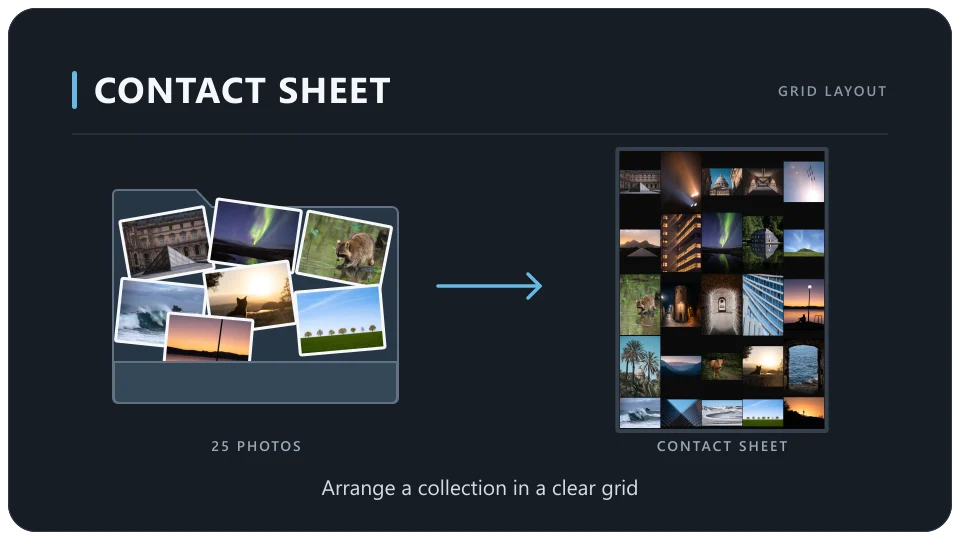
Create traditional paginated sheets or expansive continuous layouts. Arrange images in regular grids or packed arrangements, then adjust spacing, backgrounds, and output settings.
Build a practical review sheet, a visual archive, or a large-scale image mosaic. Combine Sort and Contact Sheet to turn visual organization into a finished composition.
Made for visual minds
Your images, new perspectives.
01
Photographers
Rediscover older work, see recurring visual themes, and create sheets for review and presentation.
02
Artists & illustrators
Explore color relationships and compare compositions across a body of work.
03
Designers & art directors
Build visual references, extract palettes, and study color harmony.
04
Collectors & researchers
Look for patterns in large image libraries that folder structures may hide.
Simple, private, independent
The work stays yours.
Image Review is designed to work offline. It needs no account or cloud connection, and your images are not uploaded for external processing.
No image uploadsNo generative AINo subscriptionWindows & macOS
Make it yours
Start seeing your collection differently.
Image Review is available as a one-time purchase. Choose a store below; more purchase options can be added here as they become available.